Adobe Campaign Classic Operator Roles and Permissions: Access Control Explained
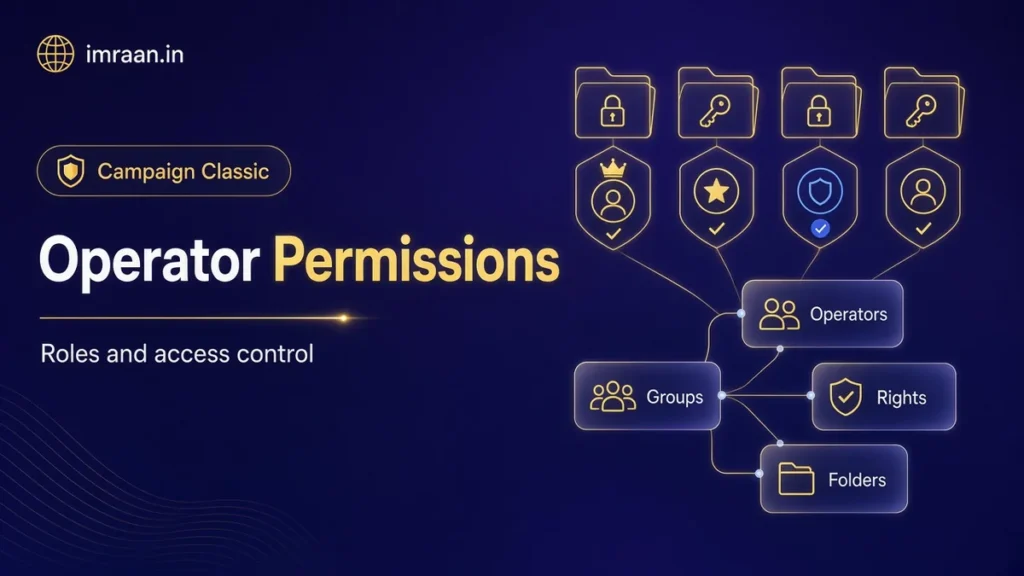
Set up Adobe Campaign operator permissions properly: operators, groups, named rights, folder access and a worked team design.
Category
Adobe Campaign is Adobe’s platform for running marketing messages across email, SMS, push and direct mail from one customer database. Campaign Classic and the newer v8 let marketers and developers build workflows that segment profiles, personalise deliveries with JavaScript and track every response. Large brands use it for scheduled and event-triggered campaigns at volume, usually connected to a CRM, a data warehouse and Adobe Analytics.
22 articles
Set up Adobe Campaign operator permissions properly: operators, groups, named rights, folder access and a worked team design.
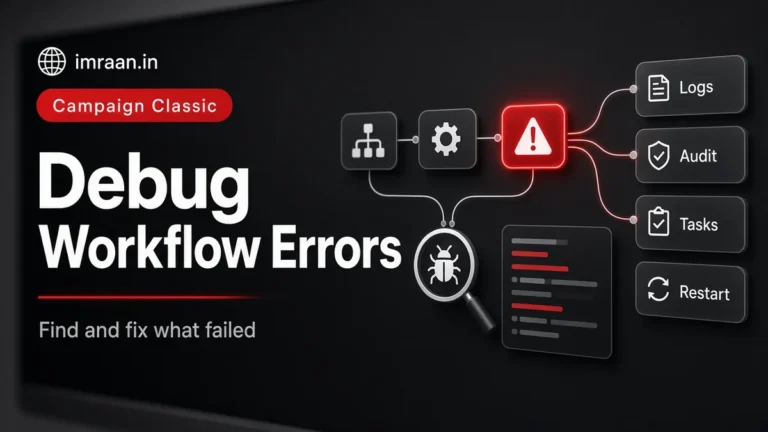
How I debug Adobe Campaign workflow errors: journals, SQL logging, stuck activities, common messages and a repeatable triage…
How to integrate Adobe Campaign Classic with CRMs and legacy systems: CRM connectors, FDA, file exchange and SOAP,…
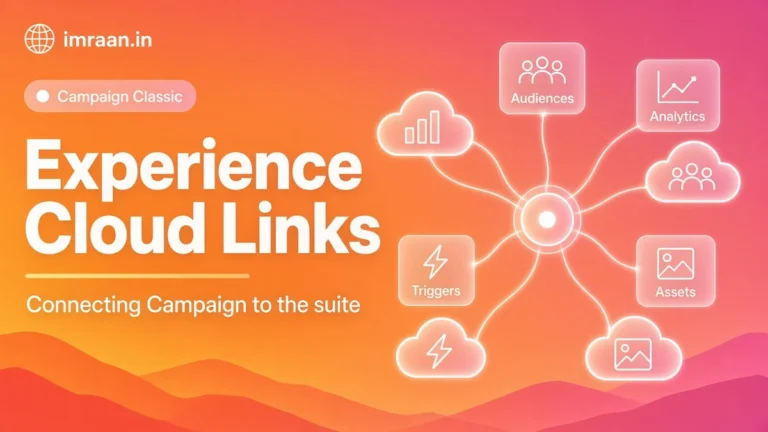
How I plan Adobe Campaign Experience Cloud integrations: Analytics, Target, Assets, shared audiences and Triggers, and what each…
A practical Adobe Campaign SOAP API guide: Logon and session tokens, queryDef, Write, custom methods and integration patterns.
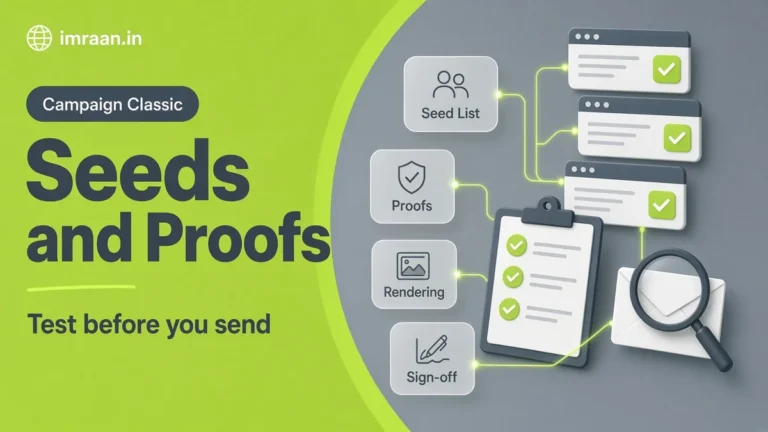
Use Adobe Campaign seed addresses and proofs to test before sending: proof targets, seed lists, substitution and a…
Adobe Campaign Classic deliverability explained: bounce qualification, quarantine, retries, blacklists and how I monitor sender reputation.
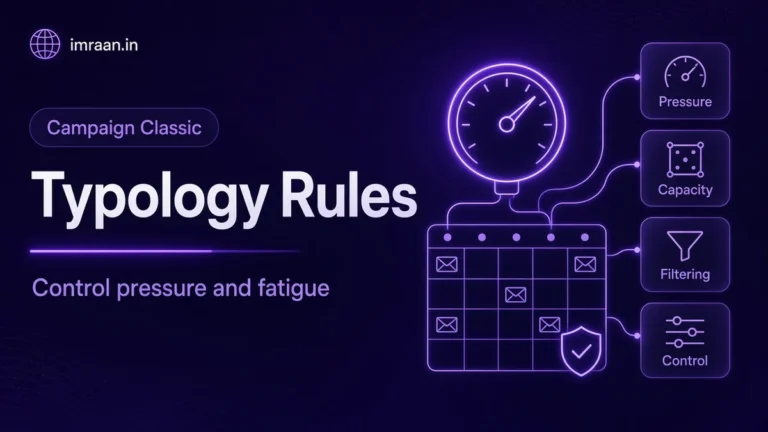
Use Adobe Campaign typology rules to control pressure and fatigue: filtering, control and pressure rules, typologies and testing.
Send an Adobe Campaign email delivery end to end: target, content, personalisation, proofs, analysis, scheduling and monitoring.
Set up Adobe Campaign delivery templates that teams reuse safely: properties, routing, typology, personalisation blocks and approvals.
Adobe Campaign workflow best practices from real builds: naming, variables, scheduling, purging, error handling and supervision.
Write reliable logic in the Adobe Campaign JavaScript activity: vars, instance.vars, queryDef, xtk.session.Write and an advanced wait pattern.
How I deduplicate data in Adobe Campaign Classic: the Deduplication activity, union first, choosing the record to keep,…
Use the Adobe Campaign query activity well: dimensions, conditions, EXISTS on collections, additional data and a repeat-buyer example.