Start a basic server using express
Express is an amazing framework. We can start running a server by writing only 4 lines of code. After that, we can also set routes and assign responses if someone is requesting those routes. For now, let's spin up our basic server.

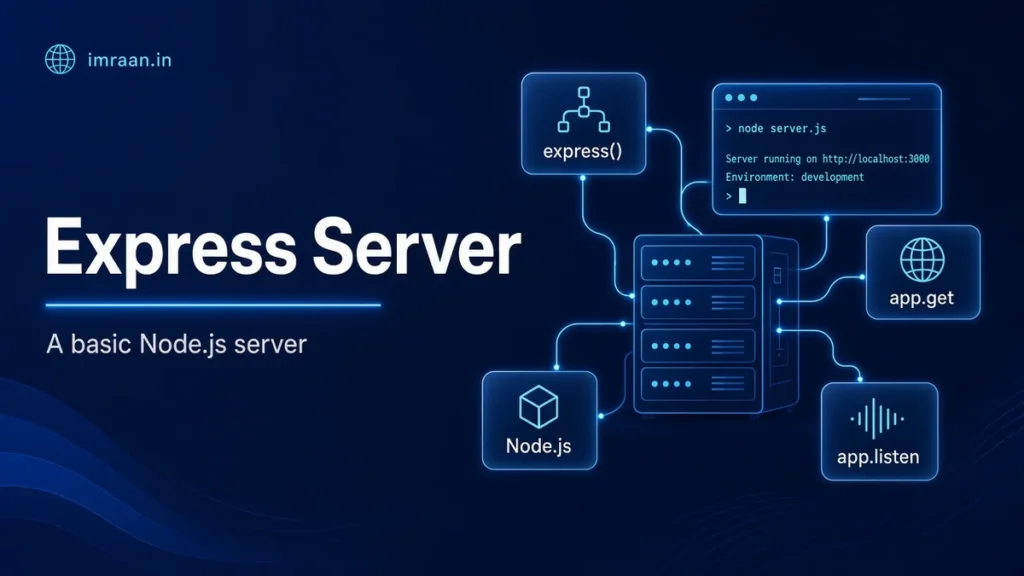
to setup our basic server we can write the following code
const express = require('express');
const app = express();
app.get('/', (req, res) => {
    res.send('Server is running...');
});
app.listen(18, () => console.log('Server is up at 18!'));
This will start a server and will display server is running for /
It won’t return any additional data as a response. For that, you have to set responses for particular routes. For example, if you want to visit the route /imran and send response data as “he is my master” in your browser you have to specify the route and set response data. Something like this
app.get('/imran', (req, res) => {
    res.send('he is my master');
});
Working? Feels great right?
I had the same feeling when it worked for me for the first time. Logging out now as I have some urgent deliverables in my office. Will get back soon. Chao!
Related articles
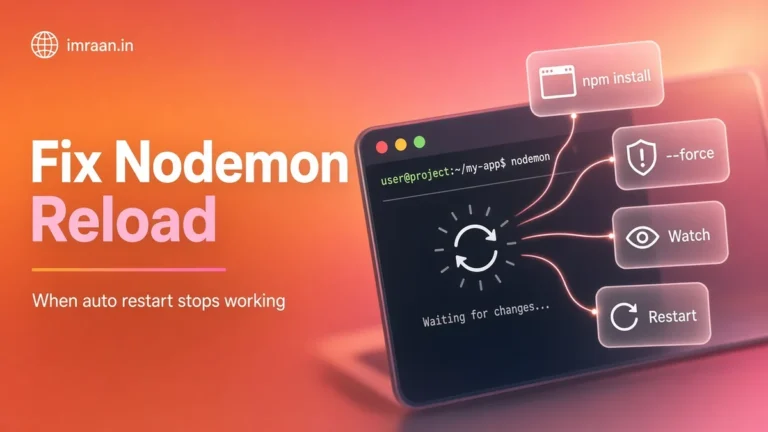
Nodemon not refreshing page automatically
while setting up a MERN app, i was using nodemon to reflect code edits and render the new…
Adding a basic GET route after this hello-world is when it starts feeling real.
Four lines to a working Express server still feels like cheating. Great starter post.
Don’t forget app.listen host binding when Dockerizing. Caught me once.
I teach juniors with almost this exact snippet. Keep it simple until middleware shows up.
Clean intro. Wish more tutorials stopped at the useful minimum like this.