How to Fix “jQuery is Not Defined” and “$ is Not Defined” Errors
How I track down "jQuery is not defined" and "$ is not defined" in two minutes: six real causes reproduced and fixed, from script order and a 404 to double loading, noConflict clashes and WordPress.

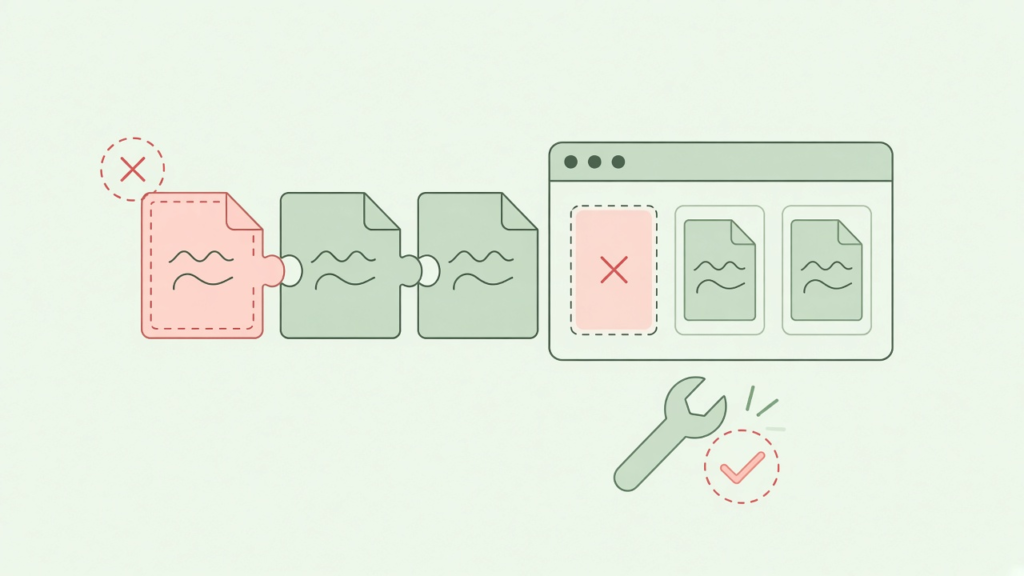
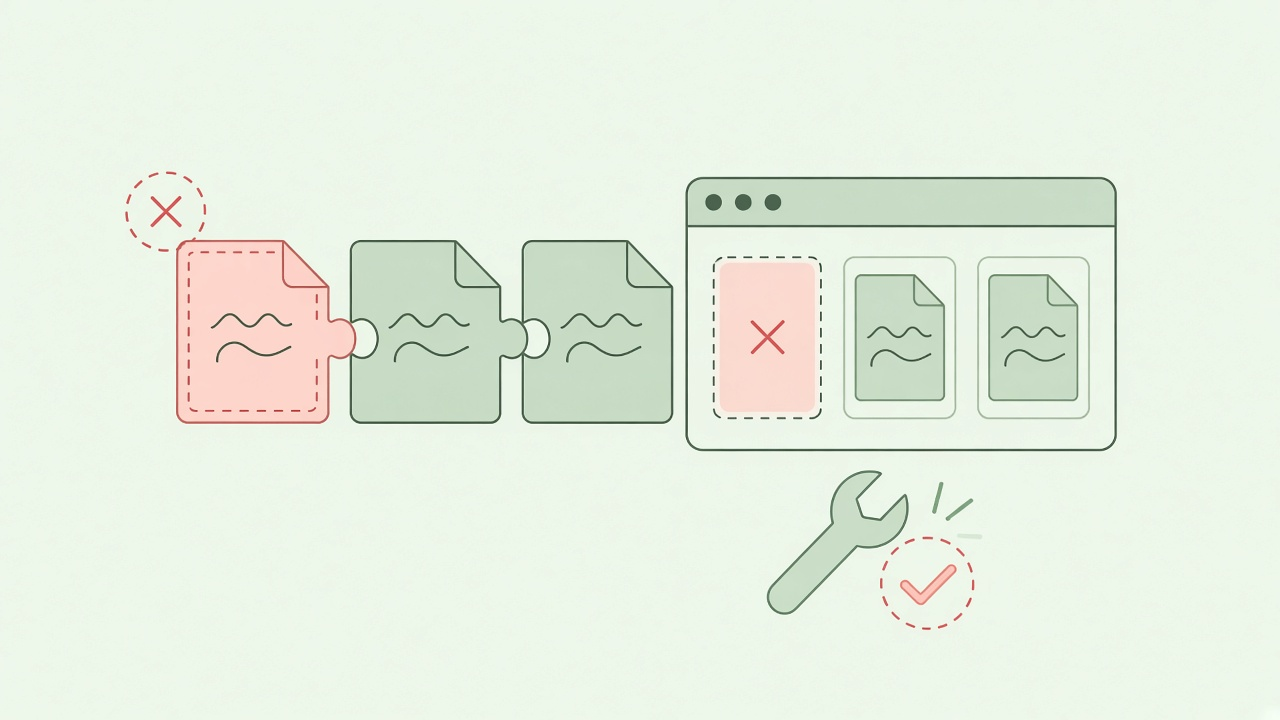
The question looks like this: “My page worked yesterday, and now the console says Uncaught ReferenceError: $ is not defined. I can see jQuery in the page. Why can’t the browser?” The answer is nearly always the same. The browser has not run jQuery by the time your code asks for it, so jQuery is not defined yet.
What jQuery is not defined means
The error, and its twin $ is not defined, is a plain JavaScript ReferenceError. The name jQuery or $ does not exist when that line runs. jQuery defines both names when its file executes. So the error tells you that file has not executed yet, or never will. The wording differs by browser:
- Chrome:
Uncaught ReferenceError: $ is not defined - Firefox:
ReferenceError: $ is not defined - Internet Explorer 8:
'$' is undefined
I reproduced every cause below with jQuery 1.8.3, the current release as I write this. I used a headless test page, and the output is real. My test tool wraps errors in its own Uncaught [ … ] format. A browser console looks slightly different, but the message inside is the same.
My position: do not start by reading code. Open the developer tools. That means F12 in Chrome and Internet Explorer 8 or later, or Firebug in Firefox. Check the Network tab for the jQuery file, then the Console for the first error. Those two views settle the question faster than any theory.
A two-minute diagnosis for jQuery is not defined
- Network tab: reload the page. Is the jQuery file listed, and is its status 200? A red 404 line means the path is wrong (cause 2).
- Order: in the same list, does the jQuery file load before the file that fails? If not, that is cause 1 or 3.
- Console: type
typeof jQueryand press Enter."function"means jQuery loaded, and"undefined"means it did not. Then typejQuery.fn.jqueryto see which version is running. - Console: type
$ === jQuery.falsemeans something else owns$(cause 5 or 6). - View source: search the page for the string
jquery. Two matches usually mean the page loads it twice (cause 4).
Cause 1: your code runs before jQuery
This is the most common cause of jQuery is not defined by a wide margin. Browsers run script tags in the order they appear. If your own script tag sits above the jQuery tag, jQuery does not exist when your code runs. Here is the one-line script and the page in the wrong order:
$(function () { document.title = 'ready ran'; console.log('app.js: ready handler ran, jQuery', $.fn.jquery); });<script src="/js/app.js"></script>
<script src="/js/jquery-1.8.3.js"></script>ERROR: Uncaught [ReferenceError: $ is not defined]The fix is to put jQuery first. Every file that uses $ or jQuery must come after it:
<script src="/js/jquery-1.8.3.js"></script>
<script src="/js/app.js"></script>
Cause 2: the jQuery file does not load
The tag sits in the right place, but the URL is wrong. The browser gets a 404 page instead of JavaScript and never defines $. The first line of the output is the clue. The browser reports the failed download before the error it causes:
ERROR: Could not load script: "http://localhost:4100/js/jquery.js"
ERROR: Uncaught [ReferenceError: $ is not defined]
These are the typical reasons:
- A typo in the file name, such as
jquery.jsversusjquery-1.8.3.min.js. - A relative path that breaks in a subfolder, such as
js/jquery.jsversus/js/jquery.js. - Capital letters that differ from the real file name. Linux servers care, even though your Windows machine did not.
- A CDN address that your network blocks.
Open the file’s URL directly in a new tab. If you do not see JavaScript, the URL is wrong.
Two related traps catch people. A protocol-relative address such as //ajax.googleapis.com/… uses the page’s own protocol. It breaks when you open the page straight from disk (file://). Use a full http:// or https:// address while testing locally. Also, if the CDN goes down, a local fallback keeps the site working. I borrowed this pattern from the HTML5 Boilerplate project:
<script src="//ajax.googleapis.com/ajax/libs/jquery/1.8.3/jquery.min.js"></script>
<script>window.jQuery || document.write('<script src="/js/jquery-1.8.3.min.js"><\/script>')</script>
Cause 3: a plugin loads before jQuery
Plugins attach themselves to jQuery when they run, so they need it present. Here the console says jQuery is not defined, not $ is not defined. Well-written plugins refer to the long name:
jQuery.fn.highlight = function () { return this.css('background', 'yellow'); };
console.log('plugin.js: highlight() registered');
ERROR: Uncaught [ReferenceError: jQuery is not defined]The rule is the same as cause 1: jQuery first, then plugins, then your own code.
Cause 4: jQuery is loaded twice
This one is the sneakiest, because you do not see jQuery is not defined at all. You see a different error. A page loads jQuery, then a plugin, then jQuery again. Often a theme loads one copy and a widget loads another. The second copy replaces the global jQuery object, and every plugin on the first copy disappears:
$('#x').highlight();
console.log('use-plugin.js: highlight worked');
plugin.js: highlight() registered
ERROR: Uncaught [TypeError: $(...).highlight is not a function]The plugin did register, as its message shows, and then the call to it failed. In Chrome of this era the failure reads Uncaught TypeError: Object [object Object] has no method 'highlight'. Firefox shows $(...).highlight is not a function. Is a plugin method “missing” although its file loaded? Check for a second jQuery with jQuery.fn.jquery and search the page source. Then keep exactly one copy, loaded first.
For comparison, this is the correct order, and its output:
<script src="/js/jquery-1.8.3.js"></script>
<script src="/js/plugin.js"></script>
<script src="/js/app.js"></script>
<script src="/js/use-plugin.js"></script>
plugin.js: highlight() registered
use-plugin.js: highlight worked
app.js: ready handler ran, jQuery 1.8.3Cause 5: another library owns $
Prototype, MooTools and some older libraries also use $ as their main function. If one of them loads after jQuery, it takes over the name. Code written for jQuery then calls the wrong function. jQuery’s answer is jQuery.noConflict(). It hands $ back to the other library and returns jQuery, so you can keep it under another name:
var jq = jQuery.noConflict();
console.log('after noConflict: $ is', typeof $, '| $.libName =', $.libName, '| jq === jQuery:', jq === jQuery);
jq(function ($) { console.log('inside ready wrapper, $ is jQuery', $.fn.jquery, '->', $('#x').length, 'element'); });
after noConflict: $ is function | $.libName = other-lib | jq === jQuery: true
inside ready wrapper, $ is jQuery 1.8.3 -> 1 elementAfter noConflict(), $ belongs to the other library again, and $.libName proves it. Meanwhile jq is the same object as jQuery. The ready handler’s argument is the key detail. jQuery passes itself to the function you give jq(function ($) { … }). Inside that function, $ is jQuery again. I write all jQuery code this way on pages that share another library. The noConflict documentation has the details.
Cause 6: WordPress runs jQuery in no-conflict mode
On a WordPress site, this is probably your answer. WordPress loads its bundled jQuery in no-conflict mode. It leaves $ undefined on purpose and defines only jQuery. Code from a plain-HTML tutorial that begins $(document).ready(…) fails there. You see $ is not defined. You have two fixes. Use the long name, or pass $ in through the ready wrapper as above:
jQuery(document).ready(function ($) {
  // here $ is safe to use
  $('#menu').addClass('ready');
});
The other WordPress rule: load your script with wp_enqueue_script() and list jquery as a dependency. WordPress then prints jQuery first. A script tag hard-coded into a theme header often lands ahead of jQuery, which is cause 1 again.
wp_enqueue_script('my-script', get_template_directory_uri() . '/js/my-script.js', array('jquery'), '1.0', true);Troubleshooting summary
| What you see | Likely cause | Fix |
|---|---|---|
$ is not defined on the first line that uses it |
Your script is above the jQuery tag | Move jQuery first |
| A red 404 in the Network tab, then the error | Wrong path, case or CDN | Open the URL directly; correct it |
jQuery is not defined inside a plugin file |
Plugin loaded before jQuery | Order: jQuery, plugins, your code |
| “Object has no method” for a plugin that did load | jQuery loaded a second time | Keep a single copy |
$ is a function but behaves oddly |
Another library owns $ |
Use noConflict() and a ready wrapper |
| Error only on a WordPress site | No-conflict mode | Use jQuery or function ($); enqueue with a dependency |
| Works on some pages only | jQuery loaded in one template, not another | Load it in the shared header or enqueue it everywhere |
How I stop jQuery is not defined on real sites
- One script block at the end of the body, in a fixed order. jQuery comes first, then plugins, then the site’s own file. Scripts at the bottom also let the page render sooner.
- A single place that loads jQuery. The shared header or layout loads it. No widget or page template adds its own copy.
- The CDN with a local fallback. I load jQuery from a public CDN, since browsers may already have the file cached. Then I add the one-line fallback from cause 2.
- Everything sits in a ready function that receives
$. Code written asjQuery(function ($) { … })works with or without another library on the page.
The version of this error that costs people the most time shows up only in production. Locally, the page loads jQuery from a folder. The live site serves it from a CDN that an office firewall blocks. Or a theme update moves the jQuery tag into the footer, while an inline script in the header still calls $. Both cases take seconds to spot in the Network tab and hours to guess at from the code. So whenever I see jQuery is not defined, I open the Network tab before I read a single line.
Where I put the jQuery tag
- Does a framework such as WordPress manage scripts? Use its mechanism and declare jQuery as a dependency. Do not hard-code tags.
- Plain HTML: put jQuery at the end of the body, above your own files.
- Do you need the page to survive a CDN outage? Add the local fallback line.
- Does another library use
$? CallnoConflict()and write your code insidejQuery(function ($) { … }). - When the file is already loaded. A second copy creates cause 4. Fix the order instead. Want to add content to the page next? My notes on jQuery append, prepend and html pick up from there.
- When the problem is one line of code. If you only call one or two jQuery functions, the browser’s own
document.getElementByIdremoves the dependency. - When you have not checked the Network tab. Guessing at paths wastes time. Look at what the browser requested.
- Putting your script above jQuery. Order is the whole error.
- Using a path that works on one page only. Use root-relative paths (starting with
/) or absolute URLs. - Loading jQuery again to “make sure.” It wipes every plugin loaded earlier.
- Copying
$(document).readyinto WordPress unchanged. UsejQueryor pass$in. - Testing from
file://with a//cdnaddress. Use a full protocol. - Not looking at the Network tab. A 404 explains the error in seconds.
Common jQuery is not defined mistakes
FAQ
What does “jQuery is not defined” mean?
jQuery is not defined means the page used the name jQuery before any jQuery file had run. The usual causes are a script tag in the wrong order or a jQuery file that failed to load. A plugin that loads before jQuery causes it too.
How do I fix “$ is not defined”?
Load jQuery before every file that uses it. Confirm in the Network tab that the file returns 200, and check that the page does not load it twice. On WordPress, use jQuery instead of $, or wrap your code in jQuery(function ($) { … }).
Why is $ not defined in WordPress?
WordPress loads its bundled jQuery in no-conflict mode to avoid clashes with other libraries. Only jQuery exists, not $. Use jQuery(document).ready(function ($) { … }). Register your script with wp_enqueue_script and list jquery as a dependency.
Why do my jQuery plugins stop working after I add another script?
The new script or theme probably includes its own copy of jQuery. The second copy replaces the first, and every plugin on the first copy goes with it. Search the page source for jquery, keep a single copy loaded first, and load plugins after it.
What does jQuery.noConflict() do?
It returns the $ name to its previous owner, such as Prototype or MooTools. It also returns the jQuery object, so you can store it in another variable. To keep the short name, pass $ into a ready handler such as jq(function ($) { … }).
This error feels mysterious, yet it is almost always a loading-order or loading-failure problem. The Network tab shows it in seconds. Once jQuery runs reliably, the next job is usually making requests, which my jQuery AJAX tutorial covers. My rule of thumb: jQuery loads first, loads once, and its Network-tab status is 200.
Originally posted on 8 January 2013 and post last modified on 2 November 2026
Related articles
How to Add jQuery to a Next.js App
Install jQuery from npm and load it only in the browser: a dynamic import inside useEffect, next/dynamic with…
How can I parse a string with a comma thousand separator to a number?
This is useful when we need to do calculations based on the user input. For formatting the entered…
jQuery Performance Optimization for Enhanced User Experience
As the digital world becomes increasingly sophisticated, developers must continuously hone their skills to keep up with these…